Vacation Request via WhatsApp
Request vacation via WhatsApp message -- lands as a structured request in the portal.
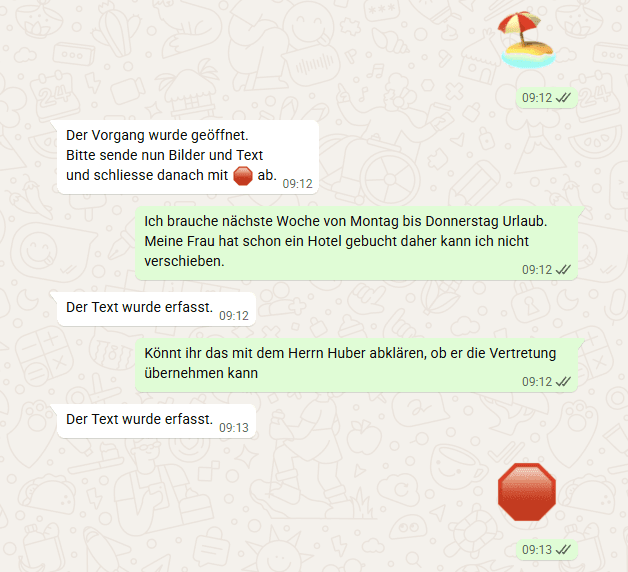
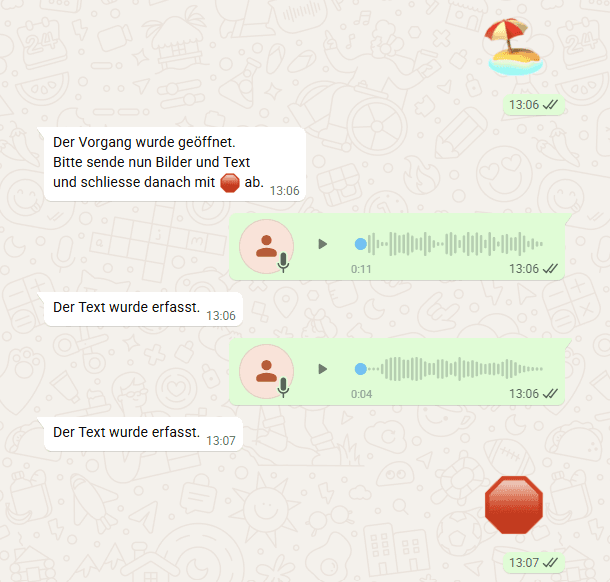
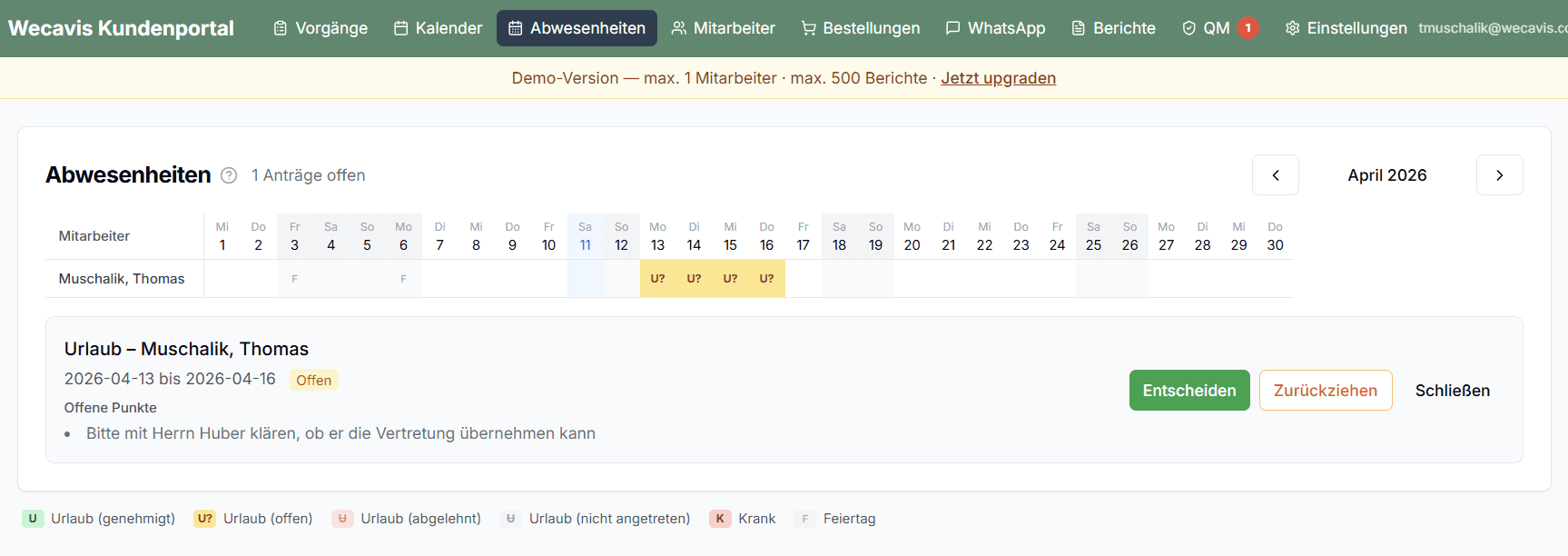
The field worker sends via WhatsApp: "I would like to take vacation from July 14 to 25." WECAVIS automatically recognizes the dates and creates a structured vacation request in the portal.
The finished request contains: • Recognized start and end date (weekday references are correctly converted to dates: "next Monday to Friday" → specific date) • Number of vacation days (excluding weekends) • Employee name • Status: Requested / Approved / Rejected • Comment field for follow-up questions
The approval workflow: 1. Field worker submits request via WhatsApp 2. Request appears in the portal with status "Requested" 3. Master craftsman or dispatcher reviews the request 4. If approved: field worker is automatically notified via WhatsApp 5. If rejected: field worker receives a WhatsApp message with the reason 6. The vacation calendar in the portal updates automatically
No slip of paper on the bulletin board, no spreadsheet. Everything through the same channel as daily work.
Why this matters
Vacation planning in the skilled trades often runs on word of mouth, a slip on the bulletin board, or a spreadsheet that nobody maintains. That works with 3 employees -- but not with 10 or 20. With WECAVIS, the request goes through the same channel as daily work. No additional system, no extra training.